by Tony Thomas
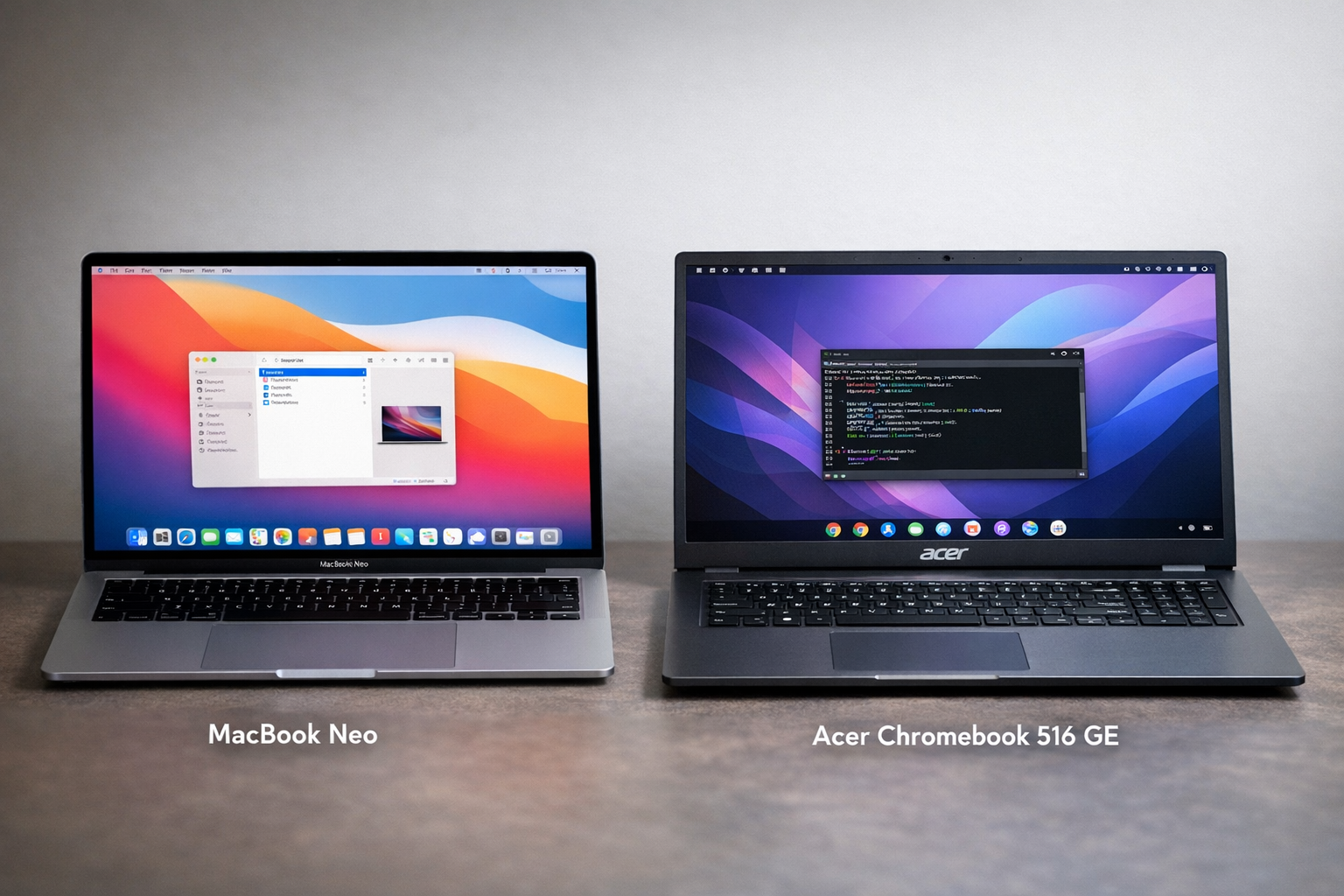
I bought a refurbished Acer Chromebook 516 GE for under $300. It may be the most practical computer I own.
That is not because it is powerful. It is not. It is because it changes where the power lives.
Around the same time, the Apple MacBook Neo arrived. That machine represents the opposite idea. Put everything in one premium laptop. Run everything locally. Carry the performance with you.
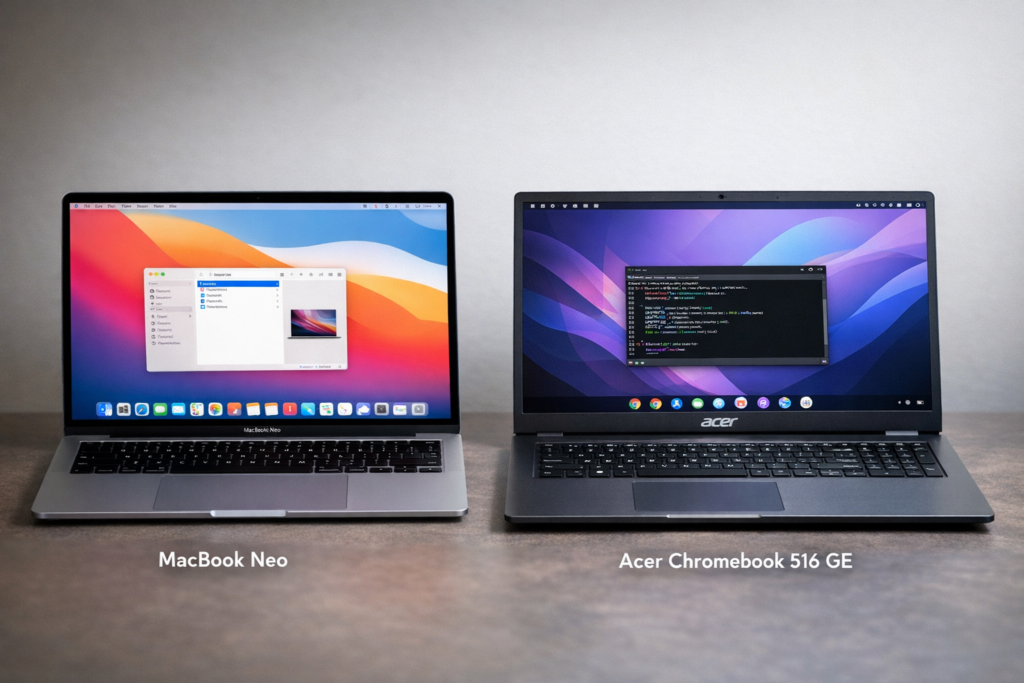
These two machines are not really competing. They solve the same problem in different ways.
The Chromebook spreads computing across multiple systems.
The MacBook Neo concentrates everything into one device.
That difference shapes the entire experience.
The Acer Chromebook 516 GE: Cheap Hardware, Surprisingly Capable
The Acer Chromebook 516 GE was designed for cloud gaming, but the hardware works well for general computing.
The machine includes a 16-inch 2560×1600 display with a 120Hz refresh rate. The refresh rate matters more than expected. Scrolling through documentation, terminal output, or long articles feels immediate. Cursor movement stays smooth even during remote sessions.
The panel covers the full sRGB color space. That makes it usable for UI work and quick image checks. It is not a professional display, but it is far better than typical budget laptops.
My unit includes an Intel Core i5, 8GB of RAM, and a 256GB NVMe drive. Eight gigabytes is the obvious limitation. I would prefer sixteen. (But, in fairness to Acer, the base model Neo has those same specs.) Still, at this price, the constraint is easier to accept. It forces discipline and keeps expectations realistic.
Battery life is around nine hours in my normal workflow. That includes a Linux container, multiple browser tabs, and occasional Android apps. I can charge it once per day and move on.
The chassis feels solid. The lid is aluminum. The base is rigid. The keyboard is comfortable enough for long sessions. Nothing about it feels fragile.
For under $300, it feels surprisingly serious.
Three Environments: ChromeOS, Linux, and Remote Systems
The Chromebook effectively runs three computing environments.
ChromeOS is the base layer. It boots quickly, updates quietly, and isolates browser tabs. I use it for email, research, documentation, and web tools.
Android apps fill a few gaps, but most real work happens in the Linux container.
ChromeOS includes Crostini, which runs a Debian-based Linux environment. This behaves like a normal Linux system. VS Code, Node, Python, Git, and build tools all run there without friction.
The container mounts the ChromeOS file system directly. I can edit files in Linux, save them to shared folders, and test immediately in Chrome. No syncing. No transfers. It just works.
Crostini has limits. GPU access is restricted. Docker is too heavy. Kernel-level tools are off limits. But for lightweight development and scripting, it is more than enough.
That would already make the Chromebook useful. The real advantage appears when remote systems enter the picture.
The Thin-Client Workflow in Practice
My heavier computing hardware sits elsewhere. A desktop workstation handles AI workloads. A Mac Mini handles macOS-specific tasks.
The Chromebook moves with me.
I connect to those machines through Chrome Remote Desktop. Once connected, the Chromebook becomes the keyboard, display, and trackpad for more powerful systems.
The 120Hz screen helps here. Remote cursor movement stays responsive. The experience feels closer to local computing than expected.
This effectively turns the Chromebook into a thin client. The laptop handles input and display. Processing happens elsewhere.
This model changes how the machine feels. The Chromebook is not trying to be powerful. It is trying to be flexible.
It works as a standalone laptop. It also works as a gateway to multiple computers.
Where the MacBook Neo Takes the Opposite Approach
The MacBook Neo takes a different approach. Everything runs locally.
You open the lid, and the full environment is already there. macOS runs natively. Development stacks run locally. Heavy applications run locally. AI tools run locally. But memory is limited.
There is no dependency on remote access. No switching between systems. No thinking about where computation happens.
The laptop is the workstation.
This simplifies everything. Performance is predictable. Offline work is easy. Travel is easier. The machine behaves like a traditional laptop, just more capable.
This approach emphasizes independence. The Chromebook emphasizes connectivity.
Neither is wrong. They just prioritize different things.
Local Power vs Distributed Power
The MacBook Neo emphasizes local performance. Everything runs on the device. You can work offline. You can travel easily. You do not depend on network quality.
The Chromebook emphasizes distributed computing. Lightweight tasks run locally. Development runs in the Linux container. Heavy workloads run on remote machines.
The laptop becomes a control surface.
If you want independence, the MacBook Neo wins. If you want flexibility, the Chromebook model wins.
That tradeoff sits at the center of the comparison.
Cost and Upgrade Strategy
Price changes the equation.
My Acer Chromebook was under $300. The base Neo is twice that price.
The environment does not live on the device. It lives on remote systems and shared storage.
I can replace the Chromebook without rebuilding anything. I can upgrade my desktop without touching the laptop. I can add new machines without changing my portable setup.
The MacBook Neo encourages consolidation. You invest in one premium device and expect it to handle everything. That simplifies workflows but concentrates cost.
The Chromebook encourages separation. The portable machine stays inexpensive. The power lives elsewhere. Upgrades become modular.
That flexibility becomes more valuable over time.
Mobility and Connectivity Tradeoffs
The MacBook Neo carries its power with it. Its phone chip is both powerful and efficient. That makes it ideal for travel, flights, and unreliable Wi-Fi environments. Everything runs locally. Performance stays consistent.
The Chromebook assumes connectivity. Remote sessions work best with stable Wi-Fi. When the connection is strong, the experience feels seamless. When it is weak, you notice immediately. I can still run Linux apps locally, and Chrome does have some offline capabilities, but it cannot compare to what MacOS offers.
This is the biggest limitation of the thin client model.
Still, the Chromebook remains usable offline. Browser-based work continues. Linux container tasks still run. Remote performance is the only thing affected.
For users who need guaranteed offline capability, the MacBook Neo is the safer choice. For users who mostly work online (as I do), the Chromebook model works well.
Development Workflow Comparison
On the Chromebook, I usually start locally. I open the Linux container and launch VS Code. Git operations run locally. I access Codex and ChatGPT in the cloud.
When workloads grow heavier, or when I need local LLMs, I switch to a remote session. The workstation takes over. The Chromebook becomes the interface.
This split workflow feels natural after a while.
The MacBook Neo handles this differently. Everything runs locally. There is no switching. The workflow stays on one machine.
That simplicity is appealing. It also requires the laptop to carry enough power for everything.
The Chromebook distributes the load. The MacBook Neo concentrates it.
Two Valid Futures
These machines represent two valid directions.
The MacBook Neo represents the all-in-one future. One powerful portable machine replaces everything else.
The Chromebook Plus model represents the thin-client future. A lightweight portable device connects to distributed computing resources.
The MacBook Neo is simpler. The Chromebook model is more modular.
Both approaches work. They just solve different problems.
Conclusion
The MacBook Neo may be the more powerful machine. It is designed to handle everything locally. It is independent and predictable.
The Acer Chromebook is different. It is inexpensive, flexible, and designed to connect to other systems. It spreads computing across multiple devices.
I prefer the second model. Flexibility matters more to my workflow than raw power.
The Chromebook is not the fastest computer I own. It is the one that makes the rest of them easier to use.